

Introduction
Every browser accepts broken HTML. It repairs unclosed tags, ignores duplicate attributes and renders something anyway, which is why invalid markup can survive for years unnoticed. The page looks fine in Chrome, but the defect surfaces when another browser, a screen reader or a crawler meets the same document.
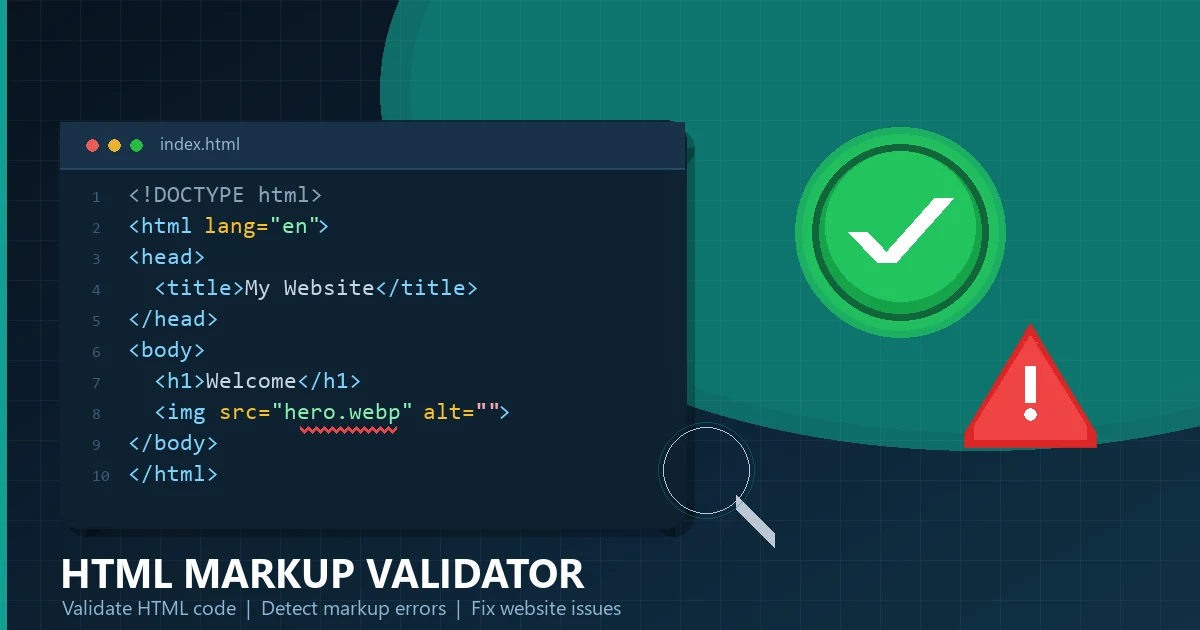
An HTML Markup Validator removes that guesswork. It parses your code against the HTML5 specification and reports each error with a line number, so you fix the cause instead of the symptom.
This guide explains what an HTML Markup Validator does, why validation matters, how to validate HTML code online in seconds, and how to fix the errors that appear most often.
What Is an HTML Markup Validator?
An HTML Markup Validator is a tool that reads an HTML document, parses it against the HTML5 specification and reports markup the specification does not allow. Each finding includes the line, the offending snippet and a short explanation.
| Behaviour | Browser | HTML Markup Validator |
|---|---|---|
| Invalid tag | Silently ignored or repaired | Reported as an error |
| Duplicate attribute | One value wins, silently | Reported as an error |
Missing alt | Renders the image anyway | Reported as a warning |
| Output | A rendered page | Findings with line numbers |
The most widely used reference implementation is the W3C Nu HTML Checker, which applies the same parsing rules modern browsers use. An online HTML validator wraps that logic in a simpler interface: paste code, run the check, read the report.
Why Is HTML Validation Important?
Invalid markup rarely breaks a page immediately. It breaks something later, in a place that is hard to connect back to the cause.
| Markup problem | What it can break |
|---|---|
| Unclosed tags | Layout that differs between browsers |
| Bad nesting | Screen reader order and copy-paste behaviour |
| Duplicate attributes | Styles or scripts that stop applying |
Missing alt | Accessibility audits and image search |
| Invalid form markup | Labels that do not activate their inputs |
| Broken table structure | Data that exports incorrectly |
Three practical reasons to care:
- Consistency. Valid markup parses the same way in every engine, so the page you test is the page visitors get.
- Accessibility. Assistive technology relies on correct structure. A broken list or skipped heading level is a navigation problem, not a cosmetic one.
- Maintainability. Errors compound: one unclosed
divpushes every later element into the wrong parent.
Benefits of HTML Validation
- Catches structural defects before they reach production.
- Makes cross-browser testing meaningful, because every engine parses the same document.
- Improves accessibility by exposing missing labels, alt text and heading gaps.
- Keeps meta tags and structured data inside the document head, where crawlers expect them.
- Produces cleaner diffs and faster code reviews.
None require a paid tool, and all take less time than tracing a layout bug that appears in one browser.
How to Validate HTML Code Online
The workflow is the same whether you use a hosted checker or a browser extension.
- Open the HTML Markup Validator.
- Choose an input method: paste the markup, upload the
.htmlfile, or enter a public URL. - Read the summary: error count, warning count and the first failing line.
- Fix the highest-impact structural error first, because one unclosed element often produces several later findings.
- Re-run the check after each fix round instead of saving up changes.
- Validate the rendered source of a live page as well as the local file when a template or script injects markup.
| Input method | Use it when | Watch out for |
|---|---|---|
| Paste code | Testing a fragment or email template | Fragments may need a wrapper element |
| Upload a file | Checking a full document before deploy | Save the file as UTF-8 first |
| Check a URL | Auditing a live page | Scripts can change the markup the checker sees |
Errors mean the markup violates the specification. Warnings usually mean the markup is legal but questionable, such as a missing alt. Information messages often repeat one root cause, so fix the first error in a block and re-check before working through the rest.
Common HTML Validation Errors
These six patterns account for most findings in real audits.
Missing Closing Tags
An unclosed element forces the parser to guess where it ends, and browsers guess differently from the specification in edge cases.
<!-- Invalid: the paragraph and the list item are never closed -->
<div class="card">
  <p>Product details
  <ul>
    <li>Free shipping
  </ul>
</div>
The parser closes the paragraph at the ul and the list item at </ul>. The page may look correct, but the tree is not what the author wrote, and a later element can end up outside the card.
Incorrect Element Nesting
HTML5 defines which elements may contain which. A paragraph cannot contain a block-level element.
<!-- Invalid: a div cannot live inside a p -->
<p>Read the <div class="note">full guide</div> before you start.</p>

<!-- Valid: use a span for inline emphasis -->
<p>Read the <span class="note">full guide</span> before you start.</p>
The browser closes the paragraph before the div, which splits the sentence and breaks any styling that targets p > .note.
Duplicate Attributes
When an attribute appears twice, the browser keeps the first value and ignores the second.
<!-- Invalid: class is repeated, so the second value is ignored -->
<img src="hero.webp" class="hero" class="banner" alt="Dashboard preview">

<!-- Valid: one class attribute with both values -->
<img src="hero.webp" class="hero banner" alt="Dashboard preview">
Missing Image Alt Attributes
Every img element needs an alt attribute. For decorative images the value should be empty, not absent.
<!-- Invalid: no alt attribute -->
<img src="chart-q4.webp" width="800" height="450">

<!-- Valid: descriptive alt text for meaningful content -->
<img src="chart-q4.webp" alt="Revenue growth of 18 percent in Q4" width="800" height="450">

<!-- Valid: empty alt for a purely decorative divider -->
<img src="divider.svg" alt="" width="800" height="2">
An empty alt tells assistive technology to skip the image. A missing alt makes it announce the file name, which is worse than silence.
Incorrect Heading Structure
Heading levels describe the document outline. The parser accepts a skipped level, but the outline it produces confuses screen readers and outline tools.
<!-- Poor structure: h1 jumps straight to h4 -->
<h1>Pricing</h1>
<h4>Starter plan</h4>
<h4>Growth plan</h4>

<!-- Correct structure: one h1, then sequential levels -->
<h1>Pricing</h1>
<h2>Plans</h2>
<h3>Starter plan</h3>
<h3>Growth plan</h3>
Use one h1 per page, keep levels sequential, and never pick a heading level for its font size. That is what CSS is for.
Correct HTML5 Document Structure
A complete, valid starting point:
<!DOCTYPE html>
<html lang="en">
<head>
<meta charset="utf-8">
<meta name="viewport" content="width=device-width, initial-scale=1">
<title>Free HTML Markup Validator</title>
<meta name="description" content="Validate HTML code and fix markup errors online.">
<link rel="canonical" href="https://example.com/tool/html-markup-validator/">
</head>
<body>
<header>
<h1>HTML Markup Validator</h1>
</header>
<main>
<p>Paste your HTML and check it against the HTML5 specification.</p>
<img src="editor-preview.webp" alt="Code editor showing validated HTML" width="1200" height="630">
</main>
<footer>
<p>© 2026 Example</p>
</footer>
</body>
</html>Every element is closed, the document declares its encoding and language, and the head contains the metadata crawlers read.
How to Fix HTML Errors
Fix in passes, not in one sweep.
- Fix structural errors first: unclosed elements, bad nesting and duplicate attributes. Then re-run the validator, because many later errors disappear once the tree is correct.
- Fix content errors next: missing
alt, empty headings and invalid attribute values. - Move repeated fixes into the template or component so every page inherits them.
- Re-validate the rendered URL after deployment, not only the local file.
| Finding | Usual fix | Where to fix |
|---|---|---|
| Unclosed element | Add the missing closing tag | Template or component |
| Bad nesting | Replace the block element with an inline one | Component markup |
| Duplicate attribute | Merge the values into one attribute | Hand-written markup |
Missing alt | Add descriptive text or an empty value | CMS image field |
| Stray end tag | Delete the extra closing tag | Template |
HTML Validation vs CSS Validation
They check different languages against different specifications, and a page can pass one while failing the other.
| Check | What it validates | Typical finding |
|---|---|---|
| HTML validation | Element names, nesting, attributes, document structure | Unclosed div, duplicate class |
| CSS validation | Property names, values, at-rules, vendor prefixes | Misspelled property, invalid unit |
The W3C publishes a separate CSS validation service. Run both when a layout bug survives a clean HTML report, because a misspelled CSS property is invisible to a markup validator.
Does HTML Validation Improve Google Rankings?
Not directly. Google does not score pages on validator output, and a valid page does not outrank a better page because a few warnings were fixed. Anyone promising a ranking boost from validation alone is overselling it.
Validation helps indirectly, through signals that do matter:
- Crawlability. Clean markup keeps content inside the elements crawlers parse.
- Rendering. Correct structure and media dimensions reduce layout shift, which is measured by Core Web Vitals.
- Mobile usability. Valid viewport and media markup behaves consistently on small screens.
- Structured data. Valid JSON-LD is easier to keep in the document head, and the JSON Formatter & Validator checks that separately.
- Accessibility. Better structure means better engagement, which is a real, if indirect, business outcome.
The honest summary: validate because it prevents bugs and improves quality, and treat any ranking benefit as a side effect of a better page. For the wider process, read how to optimize your website for better search rankings.
Recommended HTML Validation Tools
| Tool | Best for | Notes |
|---|---|---|
| HTML Markup Validator | Quick checks on a fragment, file or URL | Runs in the browser, no account needed |
| W3C Nu HTML Checker | Reference validation against the living standard | The definitive implementation |
| W3C Markup Validation Service | Legacy document types and older doctypes | Useful for XHTML-era templates |
| HTML Formatter | Making broken markup readable | Indentation exposes unclosed tags |
| HTML Minifier | Shrinking valid production output | Minify only after validation passes |
| JSON Formatter & Validator | Checking structured data | Catches trailing commas and quote errors |
Keep the MDN HTML reference open while fixing nesting errors: it lists the content model each element accepts, which confirms fastest whether a structure is legal.
HTML Validation Best Practices
| Practice | Why it matters |
|---|---|
| Keep the doctype | Without it, browsers switch to quirks mode |
| Validate templates, not pages | One fix covers every page |
| Add validation to the build step | Prevents regressions from reaching production |
| Treat warnings as work items | They usually indicate real accessibility gaps |
| Validate the rendered DOM for script-heavy pages | Client-side injection can break structure |
| Do not chase a zero-warning score blindly | Fix real defects and ignore vendor noise |
Frequently Asked Questions
What is an HTML Markup Validator?
A tool that parses an HTML document against the HTML5 specification and reports elements, attributes or nesting the specification does not allow, with line numbers and explanations.
Does valid HTML improve Google rankings?
Not directly. Google does not rank pages by validator output. Valid markup helps indirectly through crawlability, rendering, mobile usability and accessibility.
What is the difference between an error and a warning?
An error means the markup violates the specification and should be fixed. A warning means the markup is legal but likely to cause an accessibility or maintenance problem.
Why does my page look fine but fail validation?
Browsers repair invalid markup silently. The page may look correct while the document tree differs from what you wrote, so the defect appears in another browser or in assistive technology.
How often should I validate HTML?
Validate templates and components when they change, and add an automated check to the build pipeline so regressions are caught before deployment.
Does HTML validation check CSS and JavaScript?
No. It checks the HTML document only. CSS has its own validator, and JavaScript needs a linter rather than a markup validator.
Is more than one h1 tag a validation error?
The HTML5 parser accepts more than one h1. It is a structural and accessibility problem rather than a syntax error, so audits flag it even when validation passes.
Can I fix validator errors without editing the template?
For one-off pages, yes. When the same error appears across many URLs, fix the shared template or component instead of each page.
Conclusion
An HTML Markup Validator turns invisible markup defects into a list of line numbers you can act on. Browsers hide those defects by repairing them silently, which is exactly why validation is worth the two minutes it takes.
Start with the HTML Markup Validator, fix structural errors before content errors, re-run the check after each pass, and move repeated fixes into the template. Then keep the habit: validate the template when it changes, and validate the rendered page after deployment.
Clean markup will not rank a page on its own, but it removes a class of bugs that are expensive to trace later. Browse the Developer Tools category for the formatters, minifiers and validators that support the workflow, or read 10 essential free online tools for business for the wider toolkit.